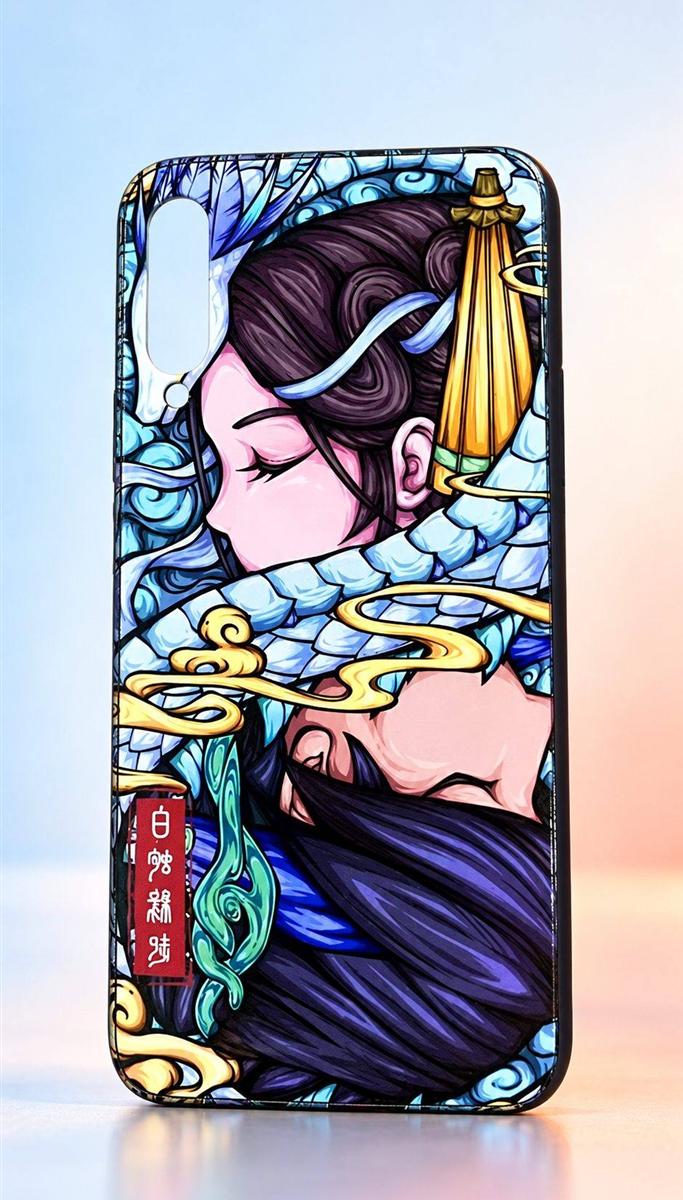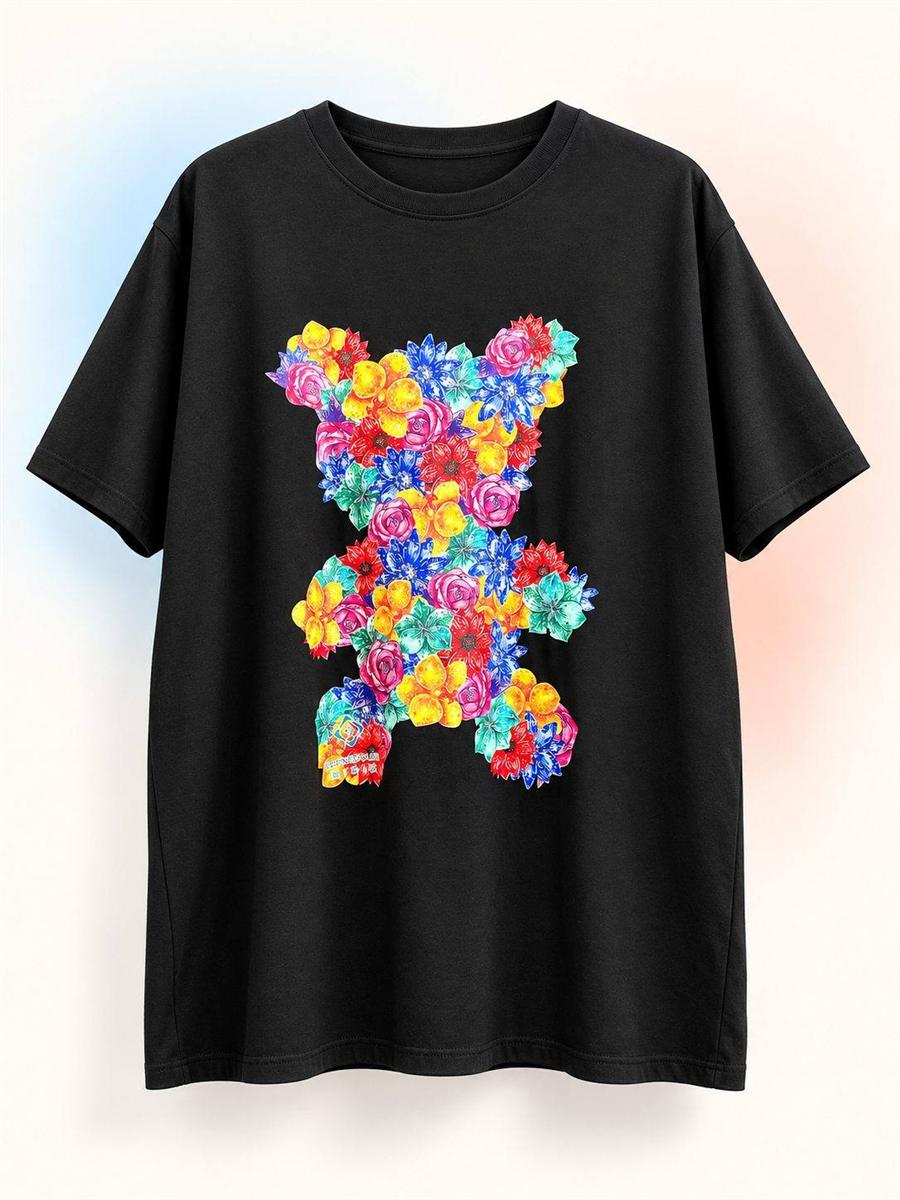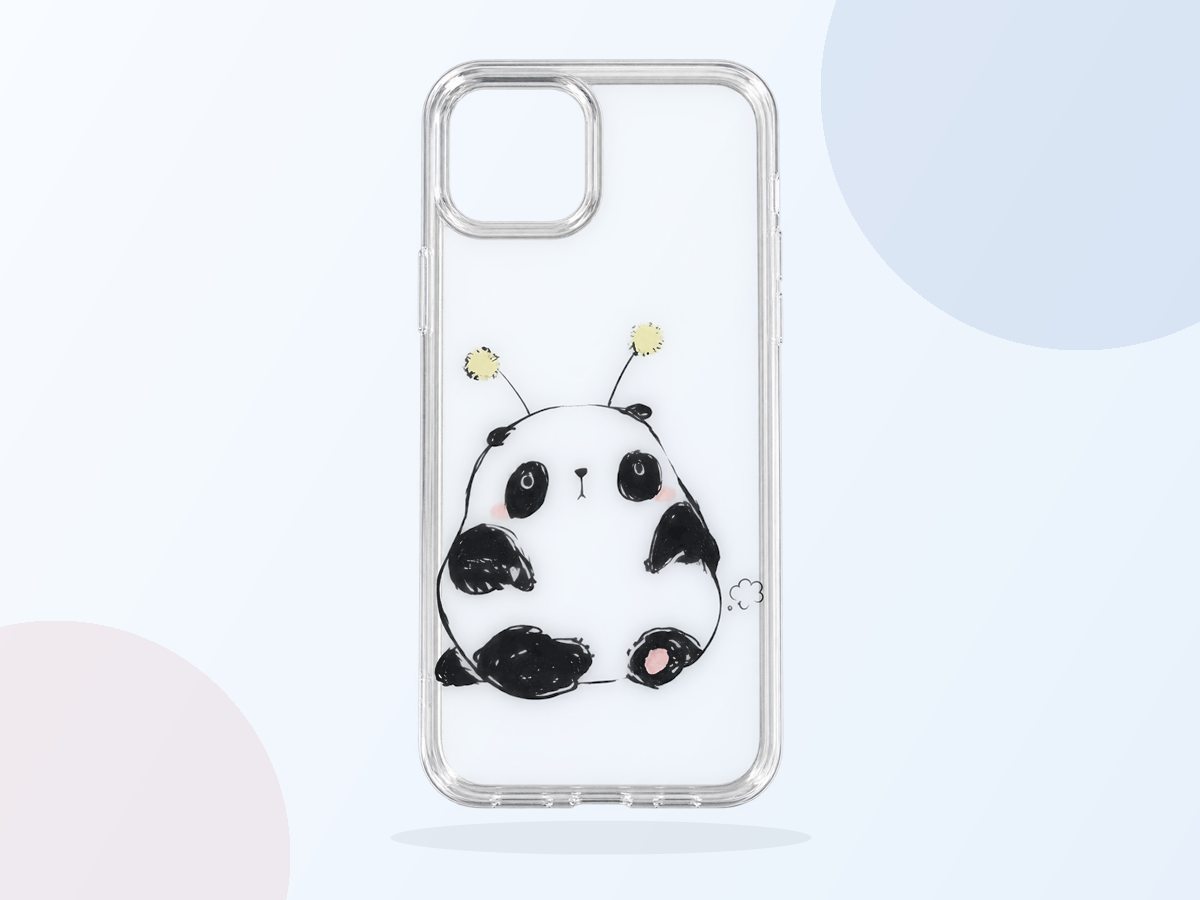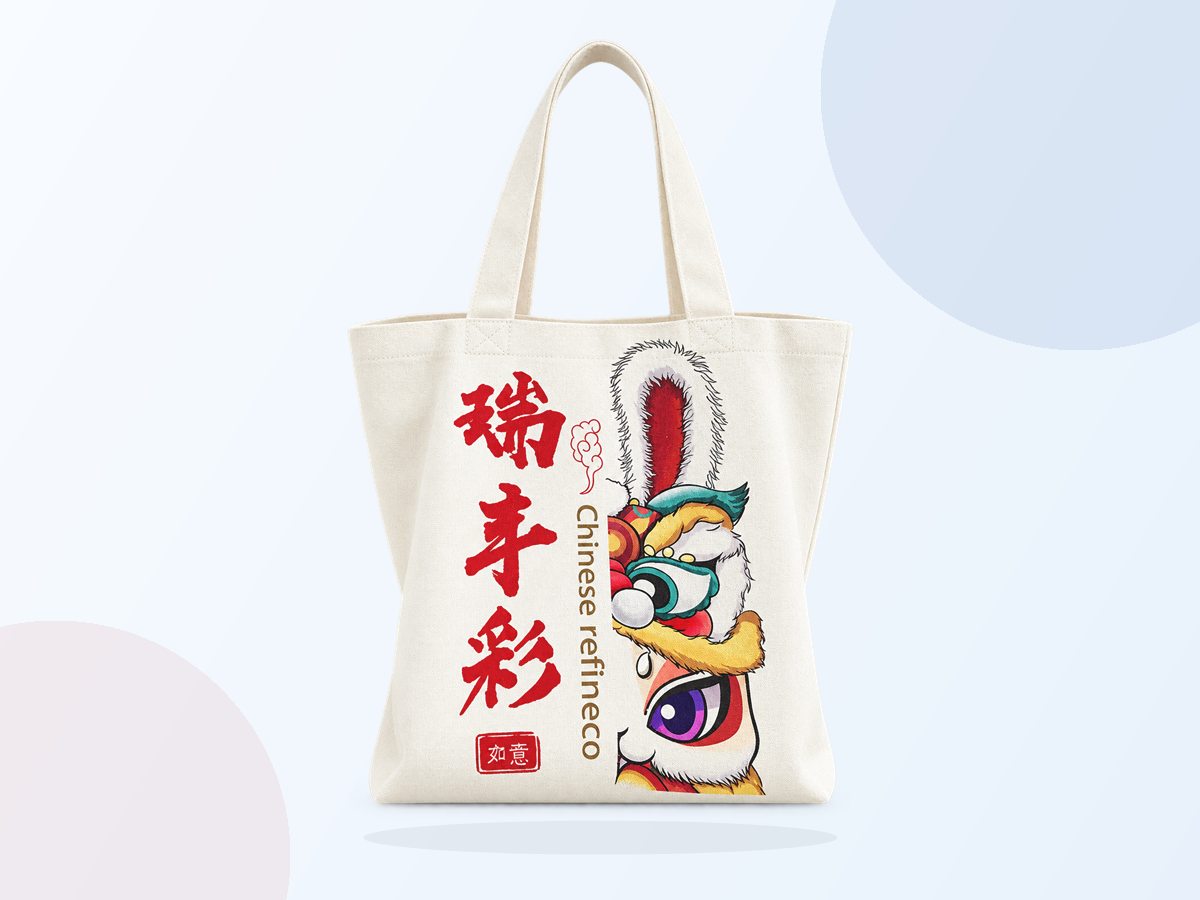
解决了传统 UV 打印做图难题

基于手机移动端,打造人人都会用的 UV 打印机

Powerful and easy to operate

颠覆传统 UV 打印,扫码上传图片设计

Everyone involved

Self designed, shared images

Flexible application and mobile control

Printer controlled by mobile phone

Extreme peace of mind, making printing infinitely possible

开放平台全新升级,提供更丰富的 UV 打印开放能力和云打印解决方案

Local API

Local standalone application

Network API

有联网需求的各类 Web 应用、小程序、APP

Customization function

From product development to design services

Open platform guide

Create an account
Create a developer account
Contact Us
Log in open platform
Obtain device information
Access to open platform
Request API
Call API
Using open API

如何请求 API 接口?

第 1 步、获取设备编号和密钥

登录并确认你的设备编号 printer_id,并获取设备密钥 key。

第 2 步、生成签名

Select the method of signature generation based on your development language, and generate a signature using an encrypted algorithm based on printer id, key, random number, and create time.

第 3 步、请求接口

通过 POST 发起对指定的 API 接口发起请求,各个接口的调用方式请参考《OpenAPI》

第 4 步、解析 JSON 结果

用你的编程语言解析 JSON 结果,实现你的业务逻辑和功能。